2014
07.28
Update time guys (and a temporary 50% off for those who don’t have the app yet)  !
!
Ed’ did a wonderful video to show and explain the new features :
Undo/Redo
Restore the previous version of a track modified by recording, erasing or merging.
Send Mail
Send individual tracks or mixes of your loops, in AAC or WAV format, by email.
iOS7/8 Look
Menu and icon updated to match iOS 7 and 8 look.
Goodies
- Instant mute by tapping on the left side of a track.
- 4 beats count-in for click track based loops by repeating the stop gesture two times.
- AudioCopy SDK updated to version 2.
Demo time now ! Ed’ did a quite “dancing” cover of Thriller  :
:
Last note : don’t forget that you can reach me on Twitter (@MancingDols) or on Facebook (Everyday Looper).
Hope you will enjoy the update !


2011
08.18
New update guys !
Here is a video showing off most of the new features :
Stereo Tracks
You can now pan your tracks. Compatible devices : iPhone 3GS, iPod Touch 3G, iPad 1 and newer.
MIDI Controllers
Record, Play/Pause and Stop can be triggered by a MIDI controller through Core MIDI.
2 Input Channels
Record channel 1 or 2, both simultaneously or as a stereo source. Require an audio device that provides 2 input channels such as the Alesis iO Dock.
Goodies
- Restart your loop instead of stopping it with the 3 fingers tap gesture.
- Quantize mute a recording track to silence it when the recording stops.
- Short fade in / out of the recording for seamless loops.
For more details about how to use these features, check the How To post below or take a look at the documentation.
And don’t forget that you can reach me on Twitter (@MancingDols) or on Facebook (Everyday Looper).
Hope you will enjoy the update !
Cheers
2011
08.18
• Toggle between volume and pan modification
1) Hold one finger on a track
2) Tap with a second finger anywhere on the screen
3) Slide the first finger on the track
• Manage input channels
If you have a 2 input channels audio device connected to your iDevice, you can configure if these channels are L and R for stereo (1 x Stereo) or 2 independent mono channels (2 x Mono). The setting is in Menu -> Options -> Inputs Configuration.
If you choose the 2 x Mono option, EDL will record channel 1 by default. You can record channel 1 and channel 2 at the same time on 2 adjacent tracks by sliding one finger from track X to track X+1. You can record on channel 2 only by sliding from track X to track X+1 then back from track X+1 to track X without pulling your finger off the screen.
A highly recommended device that provide 2 input channels on an iPad is the Alesis iO Dock, but you can also use a class compliant USB audio interface connected through the Camera Connection Kit.
• Configure MIDI controllers
In Tools -> MIDI Mapping you can associate Actions (Play/Pause, Stop, Record) with MIDI Messages :
1) Tap “Add New Action”
2) Tap “Capture New MIDI Messages”
3) Press the desired footswitch/button/key on your MIDI device
4) Tap “Stop Capturing MIDI Messages”
The Record Action will act following this priority order :
1) Record on armed track
2) Un-suspend chained recording
3) Record on pending recording track
4) Stop recording
5) Record on the first empty track
You can plug an USB-MIDI interface or an USB-MIDI footswitch like the Logidy UMI3 in an iPad through a Camera Connection Kit, or use the integrated footswitch input of an Alesis iO Dock.
2011
04.01
You should be able to update right now !
And Ed has done it again ! Here is a brand new tutorial for this version :
Here is what’s new :
Overdub Recording
You can now choose your recording mode between Overdub and Replace (the previous behavior).
Chained Recording
A chain of tracks can now be set as “quantized recording”.
Usability tweaks
Tappable square zone at each end of a track :
- If pending recording, it toggles between recording modes
- If recording, it toggles recording quantization
- If playing, it toggles quantized mute
If recording your first track from an empty loop, tapping an another one will set the loop length and start recording from beginning.
And don’t forget that you can reach me on Twitter (@MancingDols) and “like” EDL on Facebook (Everyday Looper).
Hope you will enjoy the update !
Cheers
2011
01.29
It’s live on the App Store !
It brings fullscreen support and 2 additional tracks – 6 in total – to the iPad.
Have fun with it !
Cheers
2010
08.25
Quantized mute and record
… has been approved by Apple !
Quite important features have been added, here they are :
Audio latency compensation
You will not have any excuse for being offbeat anymore. Precision is under the millisecond.
Sonoma and General/Intua Pasteboard
You can copy from and paste to Everyday Looper. Nice for making a beat in Beatmaker (or hopefully soon NanoStudio) and layering tracks over it in Everyday Looper for example.
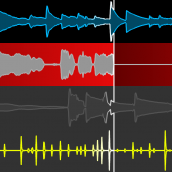
Mute function
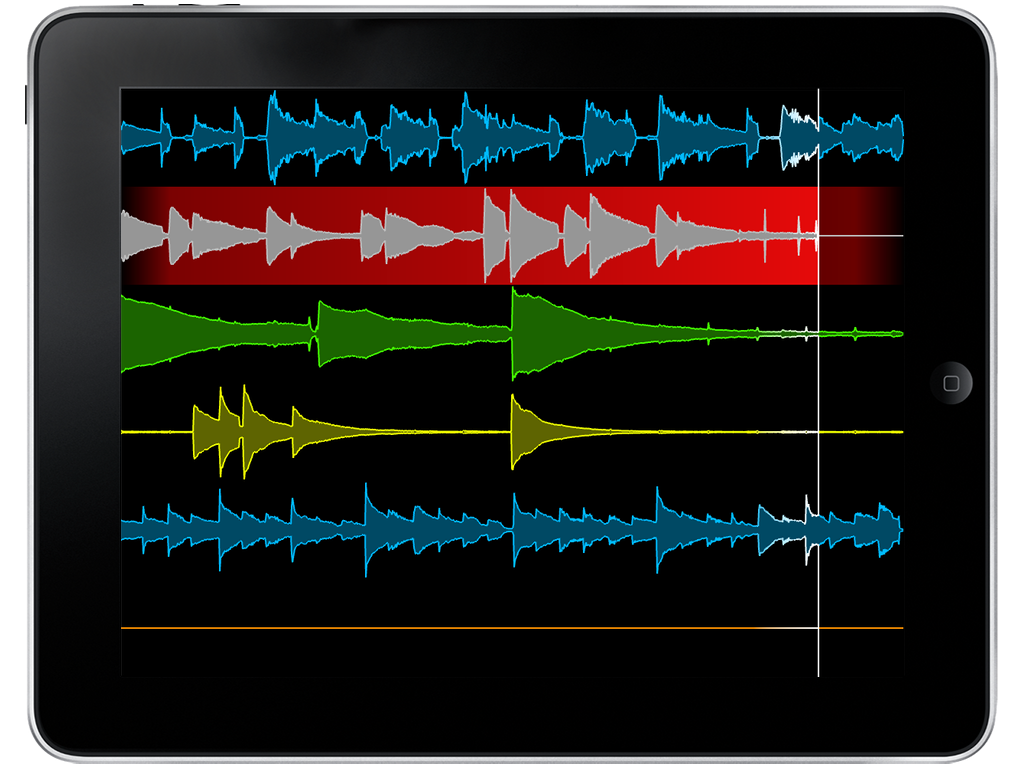
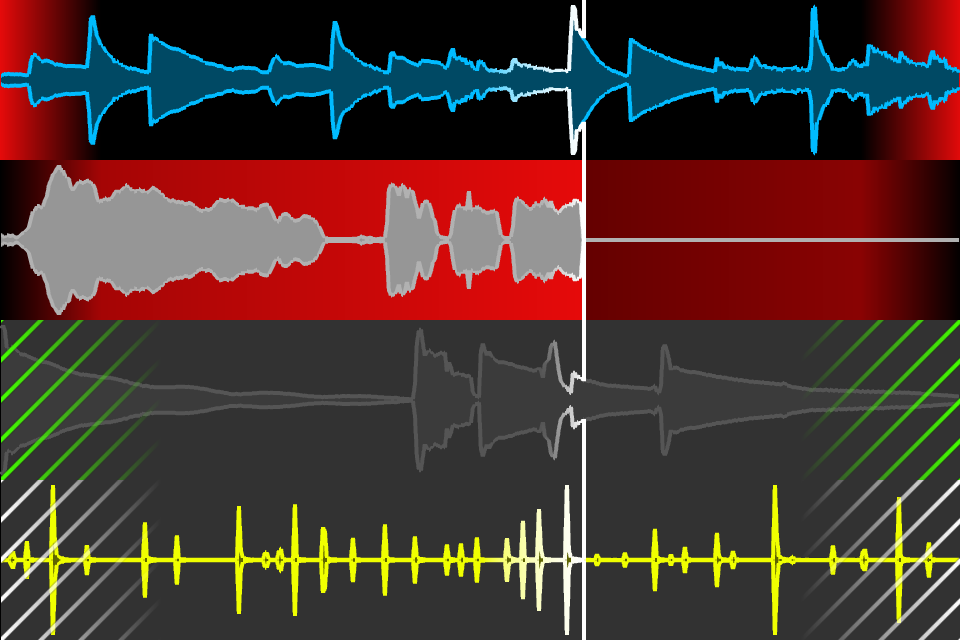
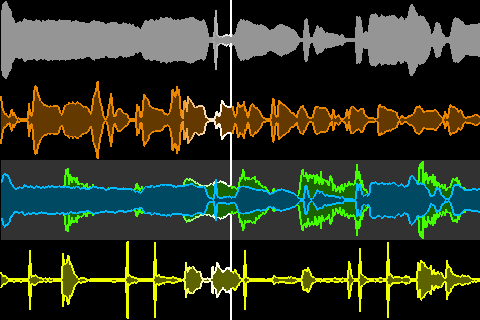
More powerful that it seems at first glance because it’s quantizable to loop (as recording is). In the above picture, you can see that Track 3 is muted and will be unmuted on next loop, whereas Track 4 is unmuted and will be muted on next loop. Nice for toggling between a verse track and a chorus track, while keeping your hands free for recording another track at the same time.
iOS 4 and iPhone 4 compatibility
Everyday Looper will now continue to play in the background, if your device supports it. You can then use another music app for jamming on top of your loop. Fast app switching, retina display support and nicer anti-aliased waveforms come in the compatibility package too.
So have fun with these new features, and tell me what you think about them !
Cheers !
2010
01.29
Merging Track 1 Into Track 3
We are back with a new version of our dear looper !
It’s already live on the AppStore, here as usual.
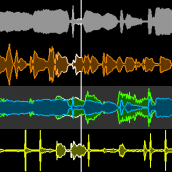
But what’s new in this version ? Something that some of you wanted deeply (yes, I know that, because you told me ^^) : Track Merging. And it’s done in the way we always do things, it’s a no-brainer. No need to go back to the menu or whatever, just Tap and Hold a track, drag it to it’s destination, and it’ll merge in real-time !
We also have added the same limiter that we use for the main output, with tweaked settings, in the merge algorithm. So you can stack up quite a big number of tracks before saturation.
By the way, we now have a Twitter account : MancingDols so you can stay updated on a “micro-blog” basis. The blog is now 2.0 enabled too, you can tweet or “facebookise” with a click, put it to good use .
Our mail and forum are always open as usual, for all that you have to say to us.
And if you like the app, don’t forget to review/rate us on the AppStore, it’s a greatly appreciated support
Have fun !